How it works
Locate. Scan. Charge. Return.
Renting a power bank takes less time than finding a socket. Here's the whole thing, start to finish.
- 01
Locate
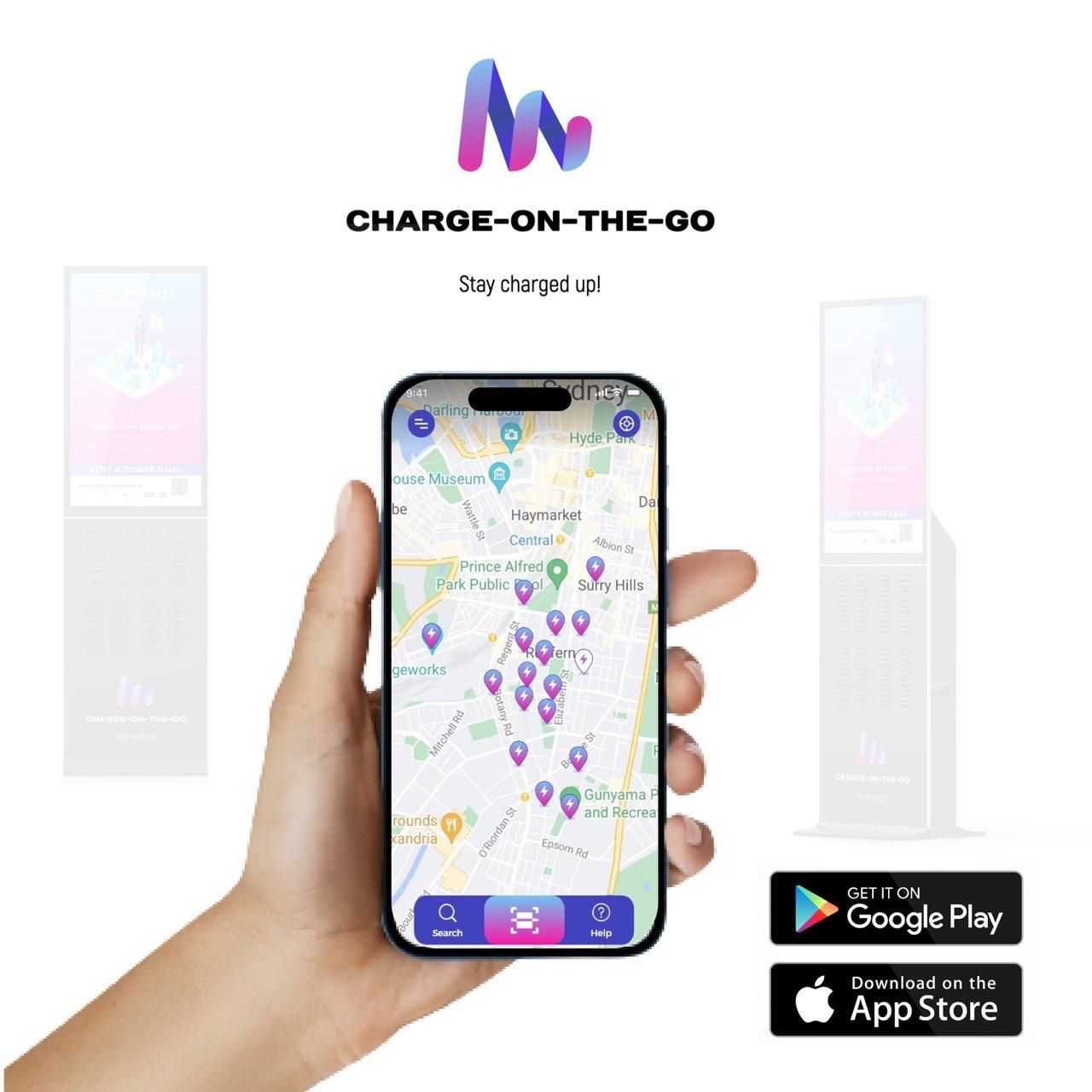
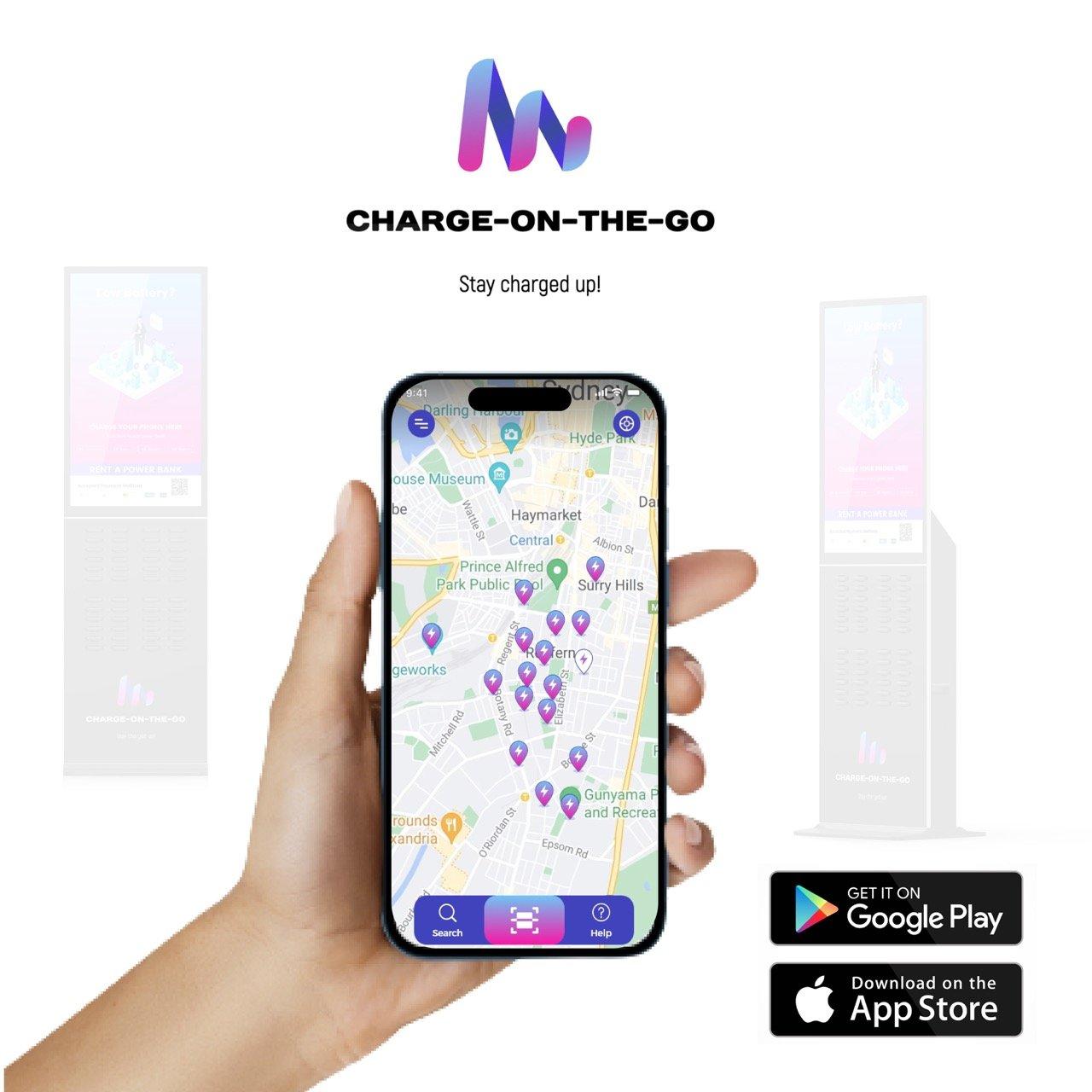
Download the Charge On The Go app and sign in. The map shows every station near you.
- 02
Scan
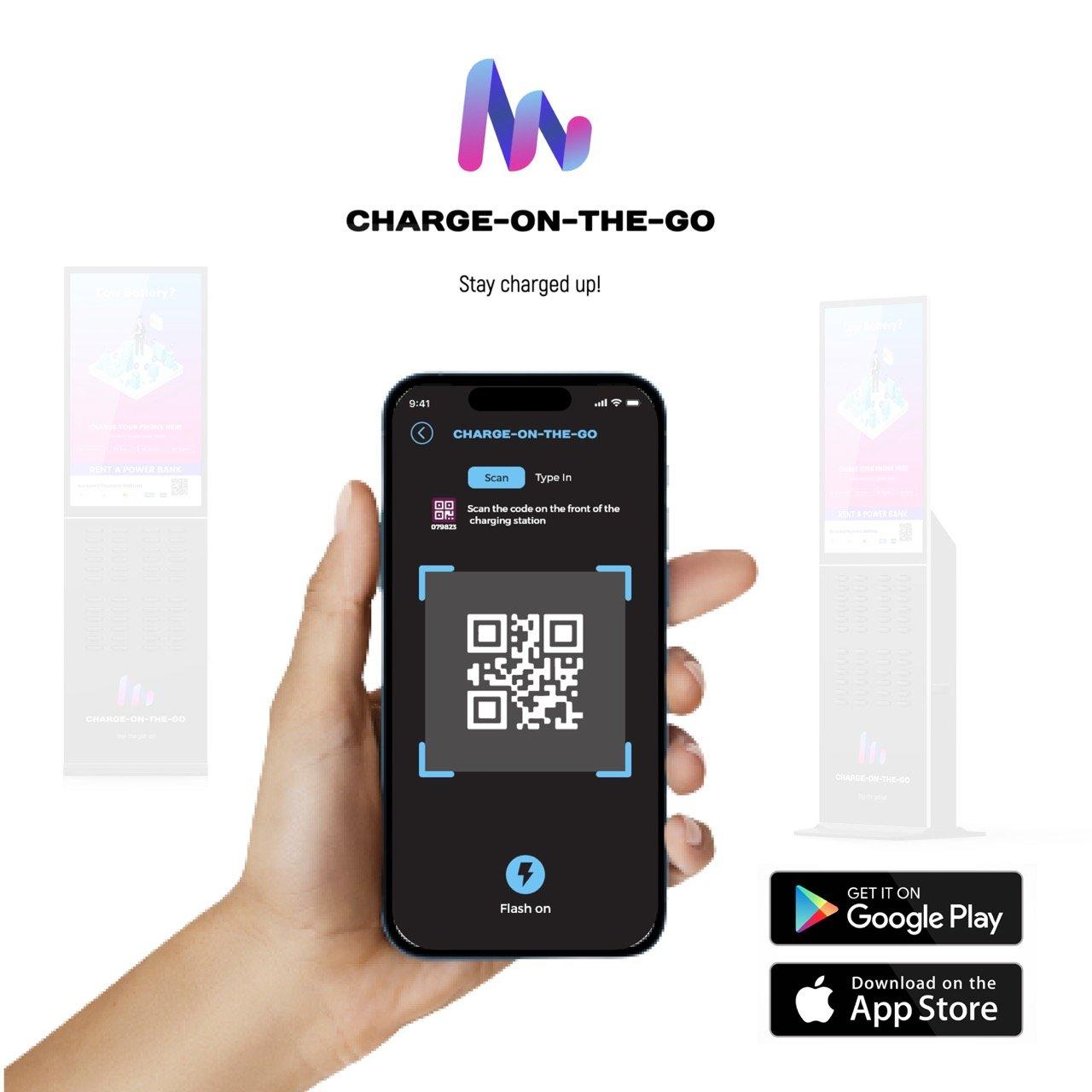
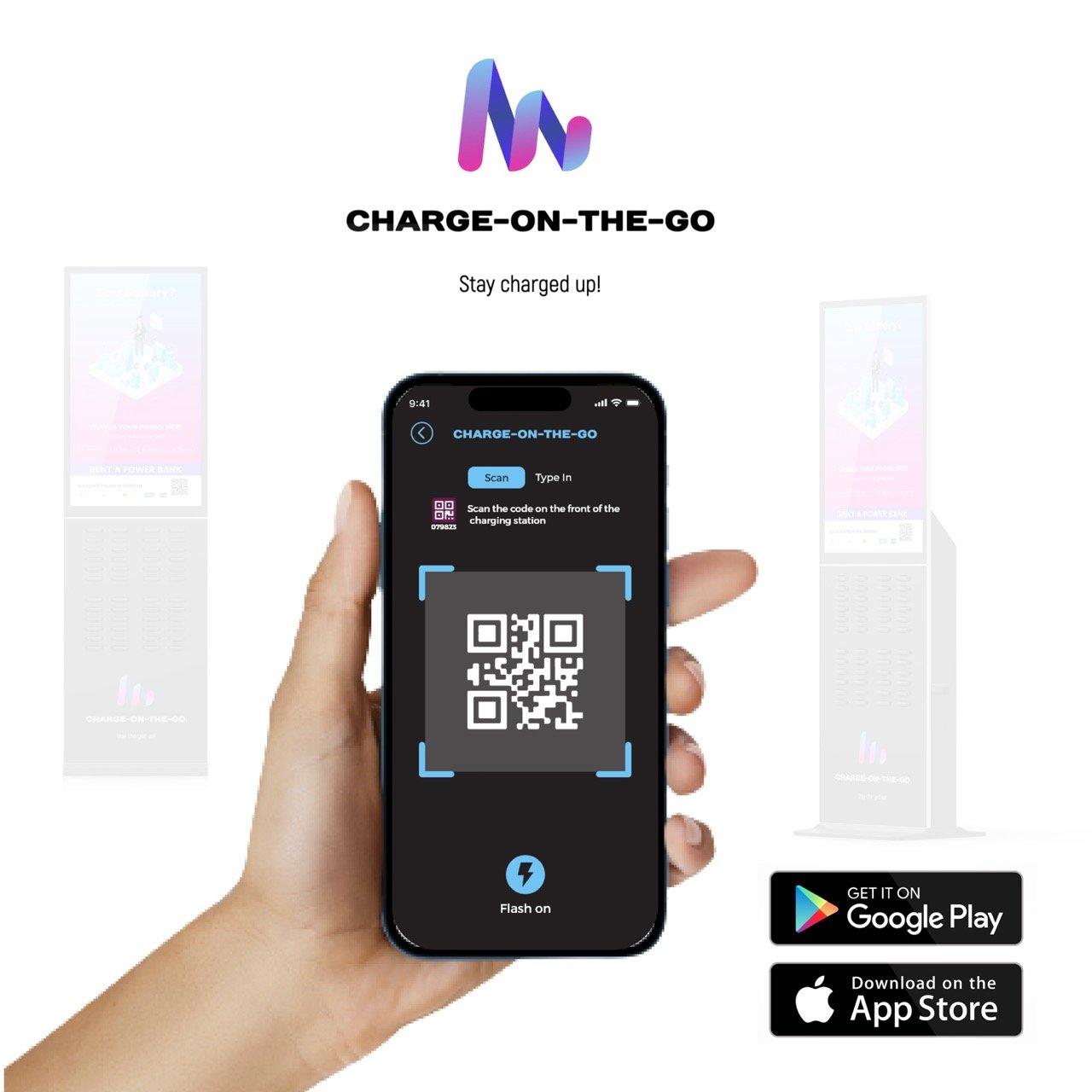
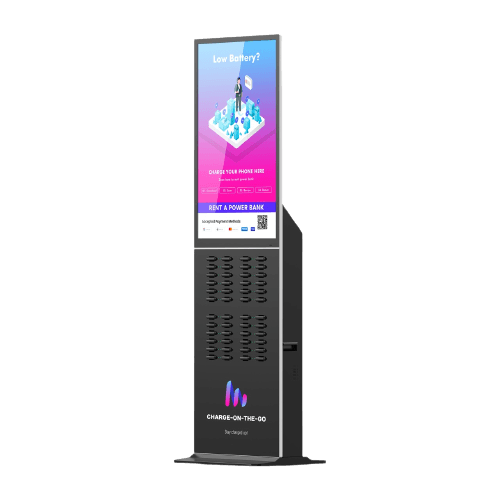
Scan the QR code on the station screen with the scanner inside the app to start a rental.
- 03
Charge
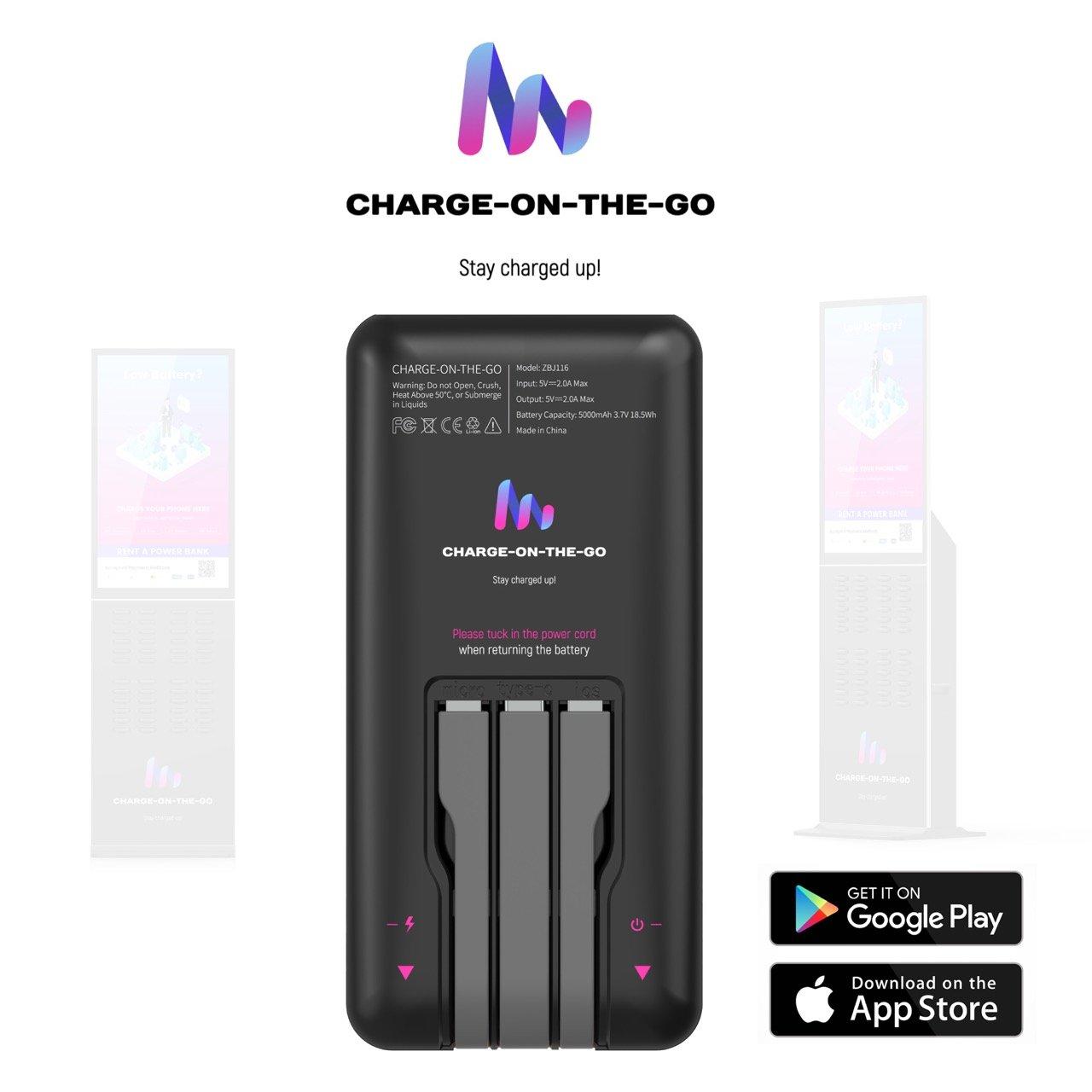
Once your payment is confirmed, a power bank pops out. Plug in with its built-in cable and carry on.
- 04
Return
Done? Slot it back into any Charge On The Go station in our network, wherever you end up.
Returning tips
Tuck, slot, done
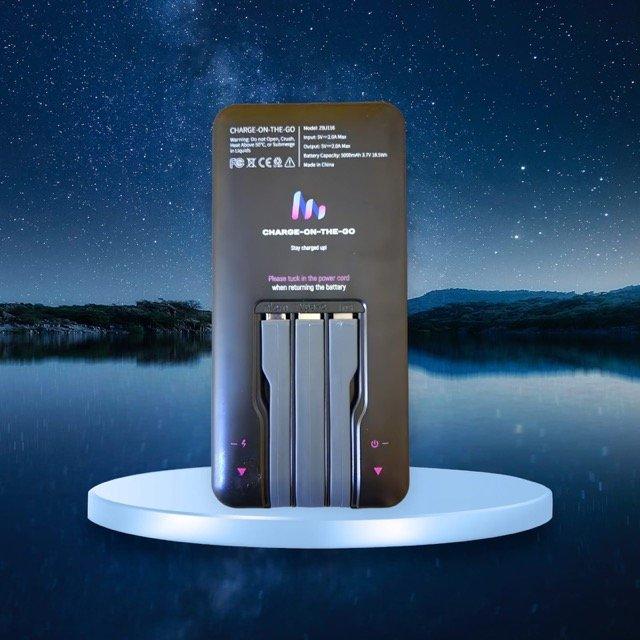
- ▸Tuck the power cables back into the power bank before you return it.
- ▸Slide it into any empty slot on any Charge On The Go station until it clicks.
- ▸The app confirms your return and closes the rental automatically.
- Capacity
- 5,000 mAh
- Output
- 5V ⎓ 2A
- Cables
- 3 built-in
- Energy
- 18.5 Wh
Get the app
Low battery? Not anymore.
Find the nearest station, scan to unlock, and stay charged up. Free on iPhone and Android.